Spellbook Companion1.5.1
Publisher Description
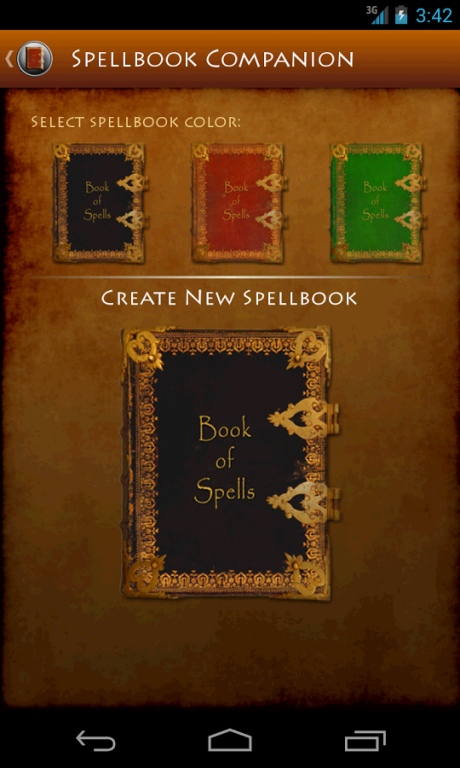
Spellbook Companion, a d20 system product, from Stone Golem Games puts a spellbook in the palm of your hand. Made for for D&D 3.5 and Pathfinder by Stone Golem Games, Spell Companion allows you to look up arcane and divine spells quickly and easily, browse spells by character class and create a spellbook for your favorite spellcaster.
Spellbook Companion allows you to create and name all the spellbooks you need for your Bard, Cleric, Druid, Sorcerer or Wizard. You can also create a spell book for your Ranger, Paladin, Assassin or Blackguard. Even the lowly Adept can have his own spellbook.
Spellbook Companion features include:
Pathfinder and D&D 3.5 data
Complete listing of all arcane and divine spells
A search feature to help you find your spell quickly and easily
Filtering by Level and School Of Magic for spells.
Spells Per Day functionality to track by Spellbook all Spells you have cast.
A listing of spells by character class including all Cleric domain spells
Create a spellbook for all classes that can cast a spell
Name your spellbook
Create custom Classes, Spells, and assign the new spells to each new class.
Compatible with Phones and Tablets
Take your RPG to the next level and enjoy Spellbook Companion and may your enemies always fail their saves.
About Spellbook Companion
The company that develops Spellbook Companion is Stone Golem Games. The latest version released by its developer is 1.5.1.
To install Spellbook Companion on your Android device, just click the green Continue To App button above to start the installation process. The app is listed on our website since 2014-03-21 and was downloaded 23 times. We have already checked if the download link is safe, however for your own protection we recommend that you scan the downloaded app with your antivirus. Your antivirus may detect the Spellbook Companion as malware as malware if the download link to com.stonegolemgames.spellcompanion is broken.
How to install Spellbook Companion on your Android device:
- Click on the Continue To App button on our website. This will redirect you to Google Play.
- Once the Spellbook Companion is shown in the Google Play listing of your Android device, you can start its download and installation. Tap on the Install button located below the search bar and to the right of the app icon.
- A pop-up window with the permissions required by Spellbook Companion will be shown. Click on Accept to continue the process.
- Spellbook Companion will be downloaded onto your device, displaying a progress. Once the download completes, the installation will start and you'll get a notification after the installation is finished.
Program Details
System requirements
Download information
Pricing
Version History
version 1.5.1
posted on 2014-03-21
Ver 1.5.1.,Pathfinder Data is now included in Spellbook,Several Bug Fixes.,New Reference section on the menu which includes: Classes (New), ClassSpells, and Spells.,New Classes section,Ability to add a custom Class and Spells.,Enhancements to Spells Per Day
